Financial Year Settings
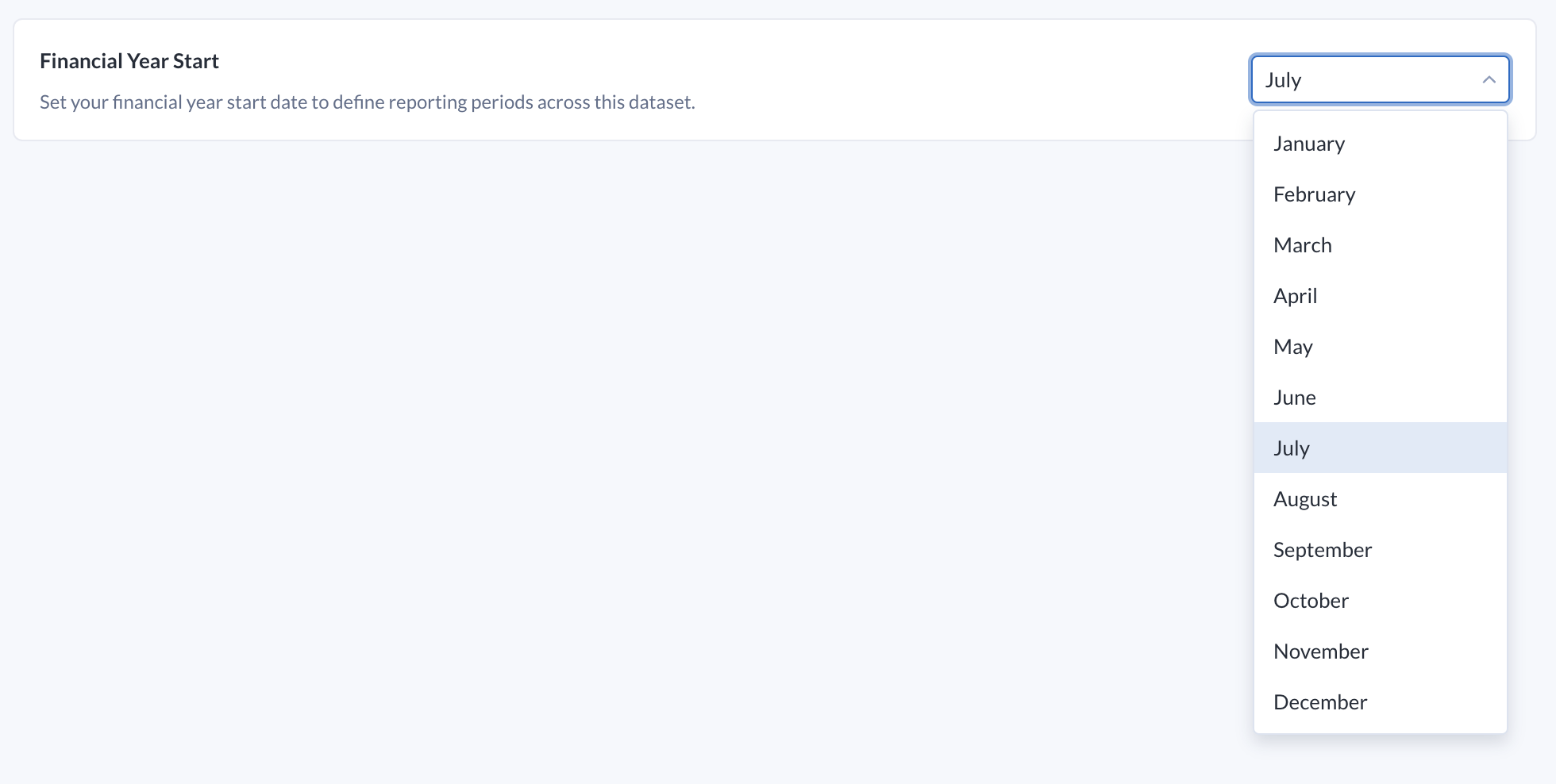
By default, the financial year for datasets begins in July, meaning that when a query in Explore Data Insights, Preset Reports, or Custom Reports references the financial year, periods like This financial quarter (QTD) or Last financial year would be based on this month.
If your business works off a different financial year start, you can adjust this for each dataset.
Configure the Financial Year Start
Go to the Data page in Alteryx One.
Select your dataset.
Go to the Data Insights tab.
Select Settings.
Go to Global Settings from the left navigation bar.
Go to the Financial Year Start section, and select the month that you want to use as the beginning of the financial year.