Server UI 节点配置
高可用性控制器群集现在运行,下一步是完成Alteryx Server UI和程序的设置。要完成设置,请像在分布式Alteryx Server环境中一样配置Server UI和工作程序。到达控制器配置阶段后,请按以下步骤操作:
在远程控制器屏幕上,输入在“添加集群角色”部分的第 7 步中创建的 DNS 主机名,以及根据这些说明在“主控制器配置”部分的第 3 步中获得的控制器令牌。
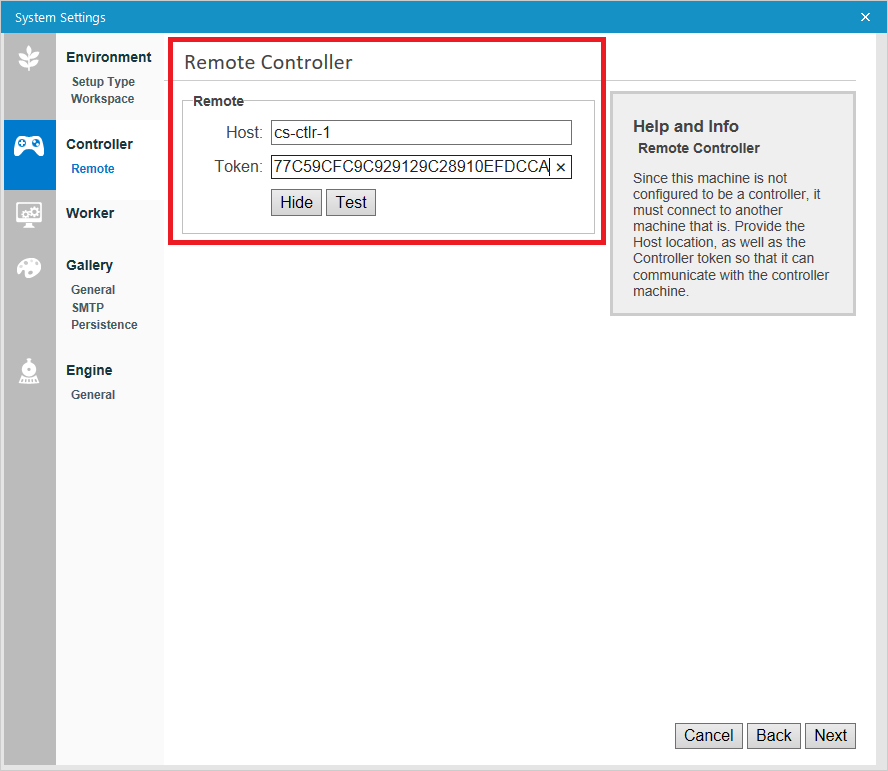
选择测试以确认兼容性。
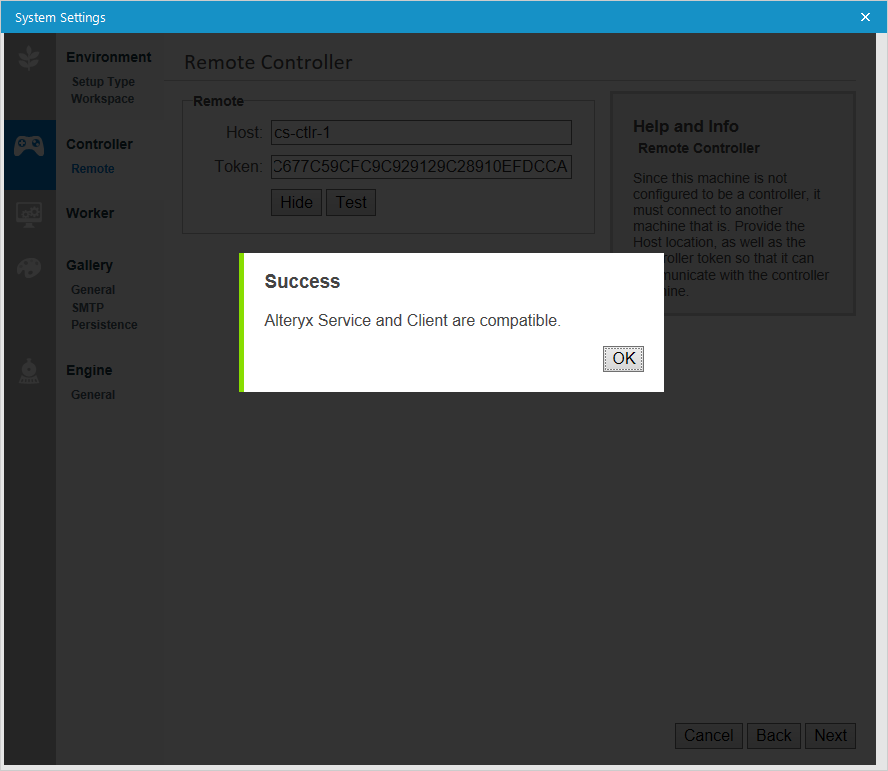
如果您没有收到成功通知:
确认 Alteryx Server 环境中的所有节点(Server UI 节点、控制器节点和工作程序节点)都运行相同版本的 Alteryx Server。
确认控制器节点上没有防火墙阻止 TCP 端口 80。
根据 Alteryx Server 环境中每个节点的要求,完成剩余的 Alteryx 系统设置。然后在 Finalize Your Configuration 屏幕上选择 Finish,应用设置并使用新应用的设置启动 AlteryxService。